

How do I connect an EV or charger?
First, please check this list to see if your equipment is supported. If it is, you’ll need an ev.energy account and the ev.energy app to link your EV or charger to the Living Lab.
ev.energy is free to use and easy to set up. You'll need the ev.energy app open on a phone or tablet to follow these instructions, so you might want to print this page or open it on a separate device.
Why we ask you to do this
By connecting your EV or charger, you’ll be helping the Living Lab learn about real charging habits in UK homes. This information helps us test and improve smarter charging services, support greener energy use, and explore ways to make energy fairer and more affordable for everyone.
Step-by-step
Connecting your EV or charger
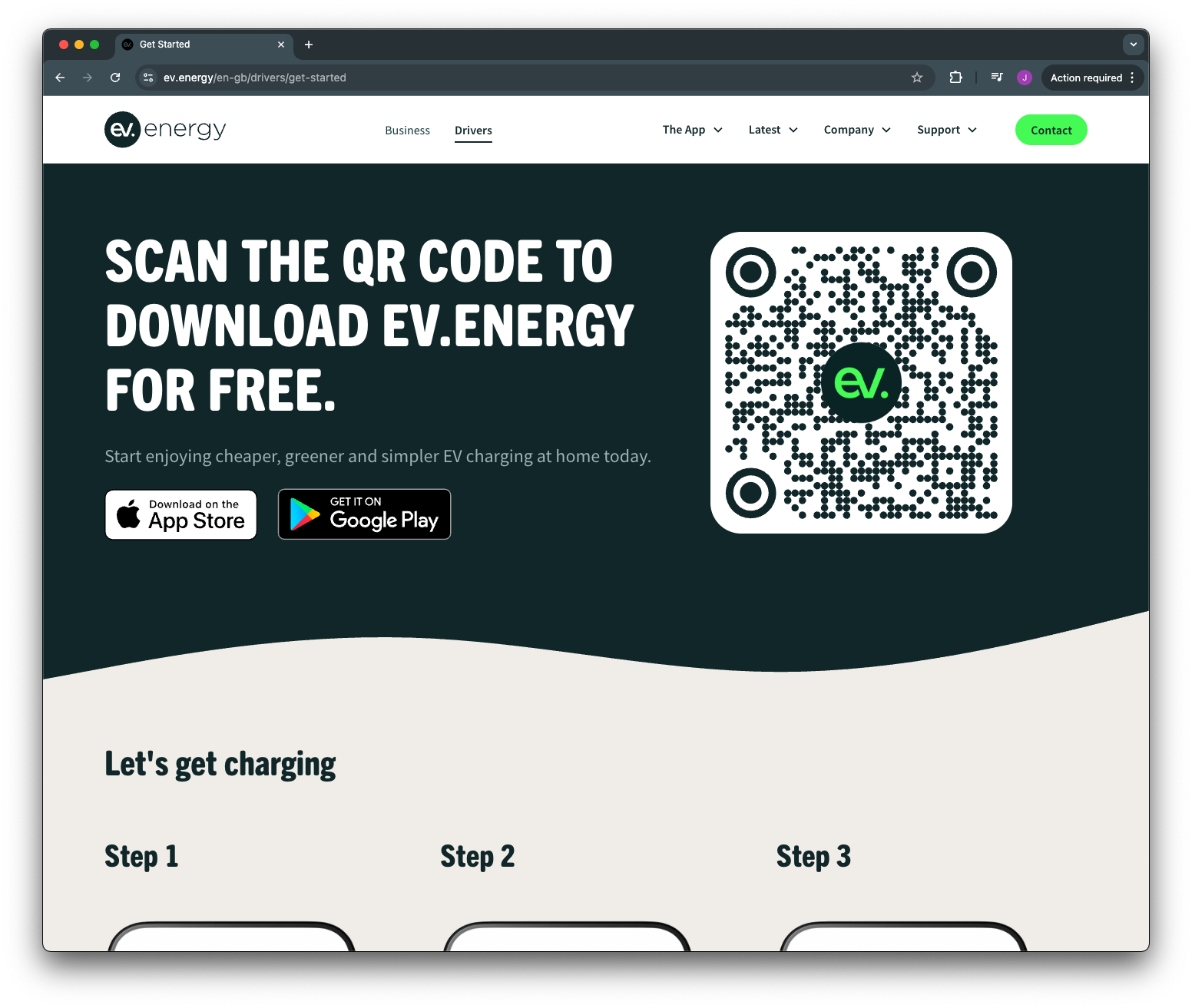
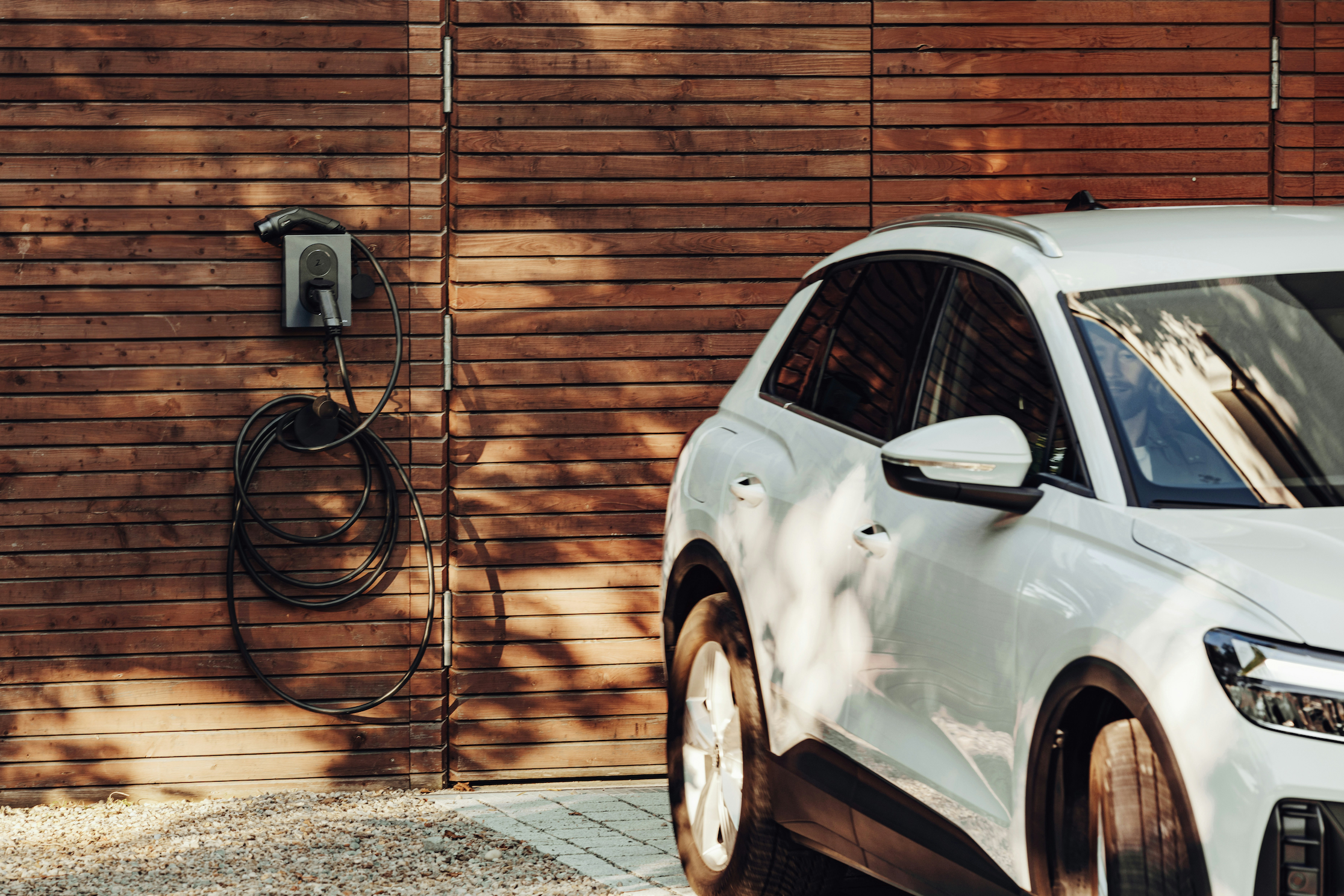
New to ev.energy? Get the app
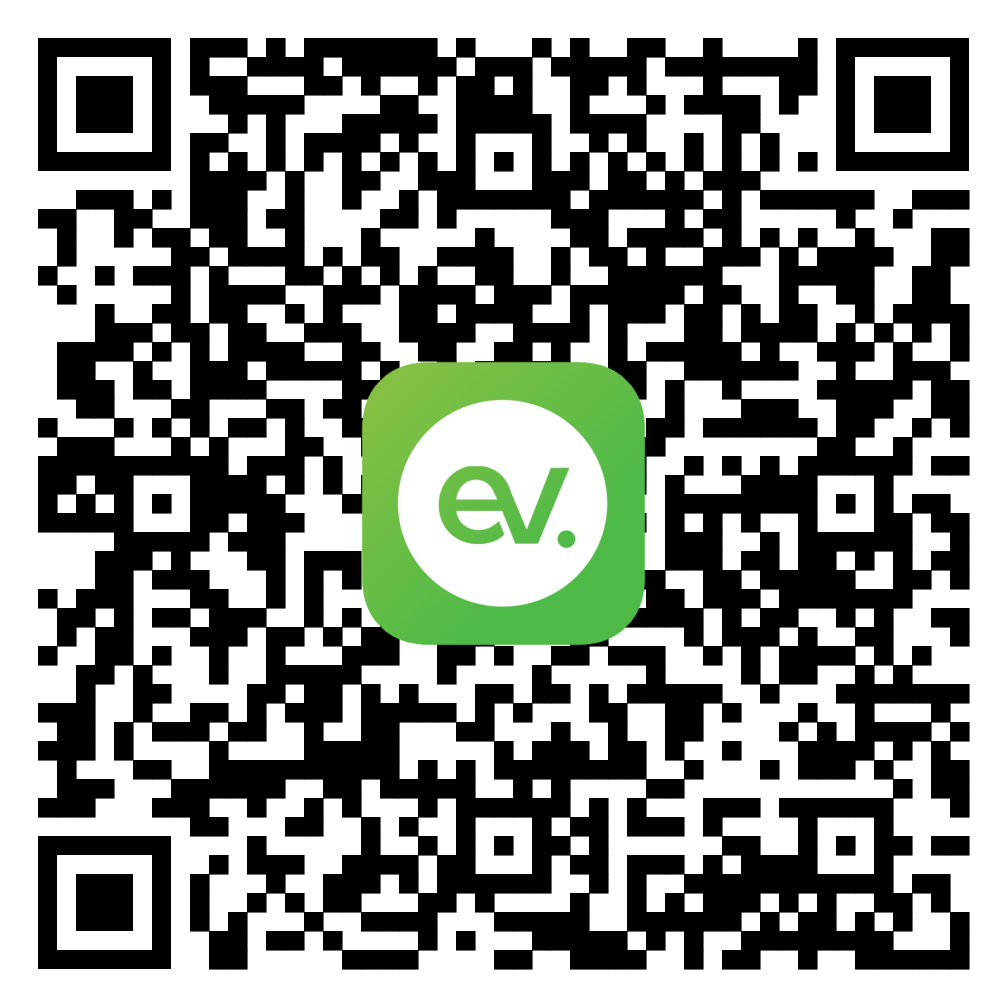
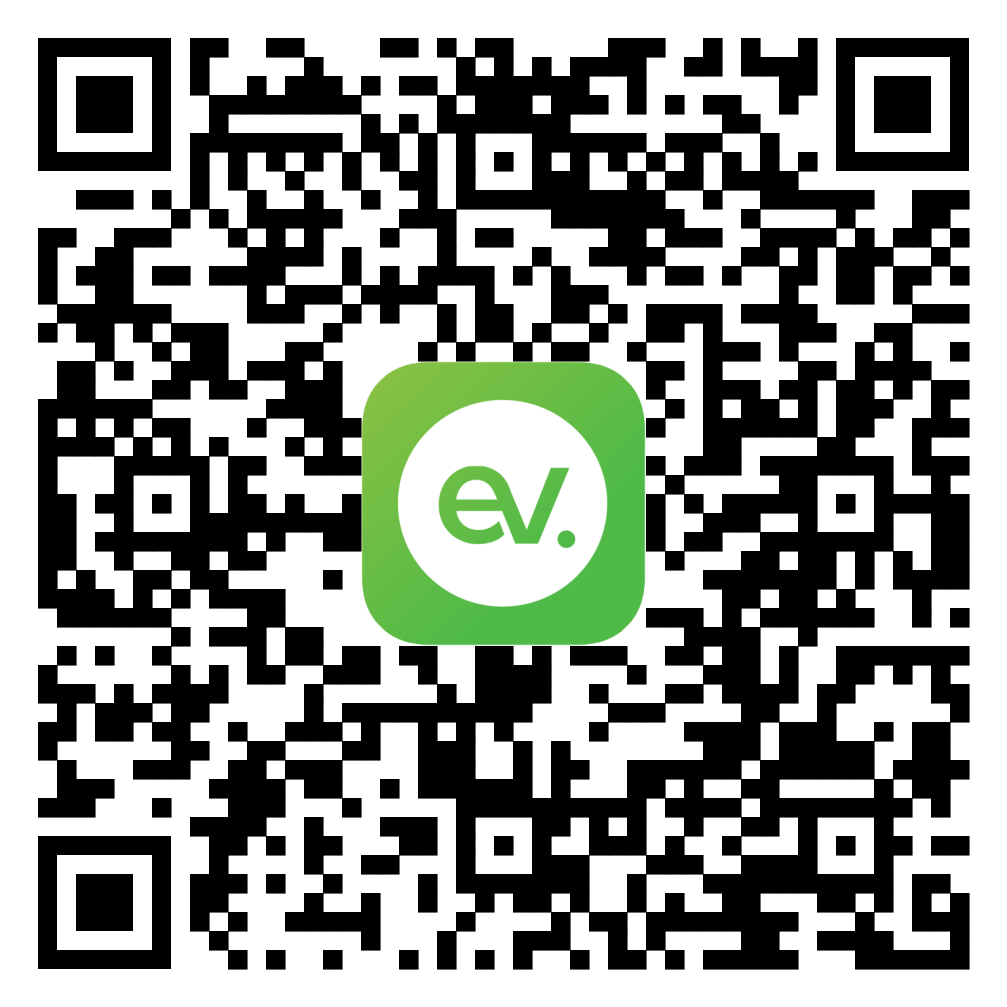
Use the QR codes below to download the app to your phone. Open your phone camera, hover it over the relevant code, and click the link that appears on your phone screen.
The app will then ask you to create an account, verify your email address, and agree to ev.energy’s terms and conditions.
Download from Apple App Store

Download from Google Play Store

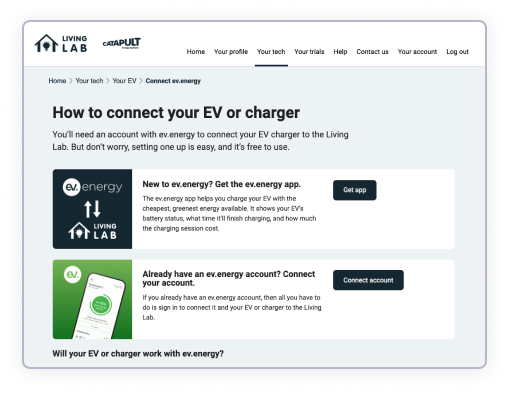
Already have an ev.energy account?
If you already have an ev.energy account, all you need to do is head over to Your Tech and sign into your ev.energy account with the "Connect Account" button. This will send you to ev.energy's login page and prompt you to log in.
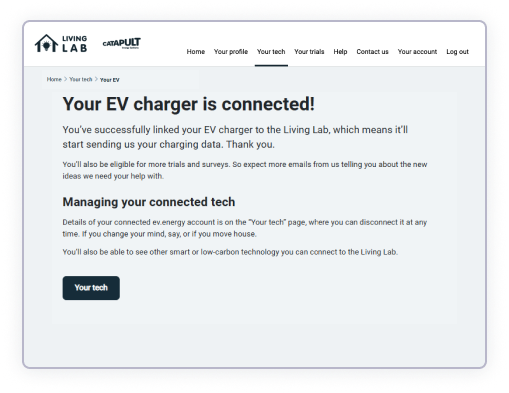
ev.energy sends us your charging data
Once connected, ev.energy automatically shares information about when and how you charge your EV.
Need some more help?
If you are experiencing problems, email us or give us a call on 0808 168 1044
-47%20(1).jpg?2026-03-18T21:52:48.052Z)
-69.jpg?2026-03-18T21:48:09.322Z)