

How do I connect my tado°?
If you’re a tado° customer, you can connect your tado° account to the Living Lab to help us better understand how people heat their homes and how we can support smarter, more sustainable energy use.
Right now, only tado° V3+ equipment can be linked to the Lab - if you have the newer tado° X equipment, you won't be able to link it yet. We're working on supporting tado° X, so watch this space!
Why we ask you to do this
By linking your tado° account, you’ll be helping us learn about real heating habits in UK homes. This data helps us:
- Test new ideas and technologies in real-world conditions.
- Improve advice and services we offer to participants.
- Shape a fairer, cleaner energy system for everyone.
Step-by-step
Connecting your tado° to the Living Lab
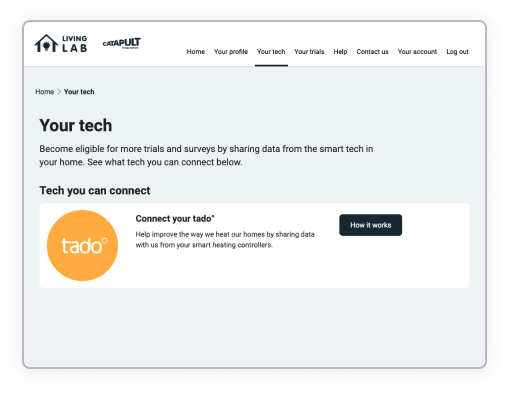
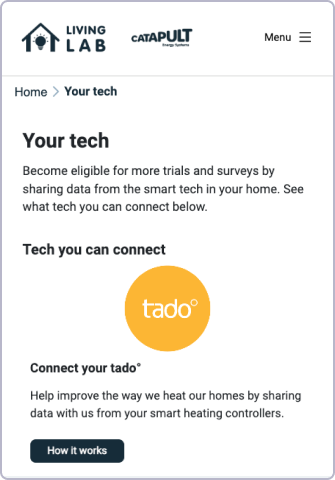
Step 1: Link your tado° account to the Living Lab
Go to Your Tech and look for tado° in the list of tech you can connect. Click on "How it works", then "Connect tado°".
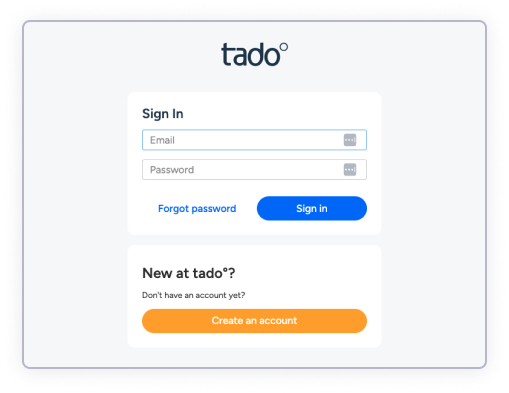
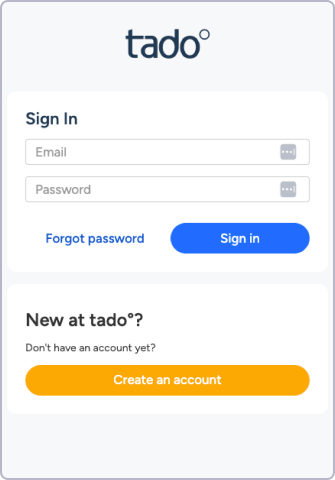
Step 2: Sign in to your tado° account
You’ll be directed to tado°'s website, and be prompted to sign into your tado° account.
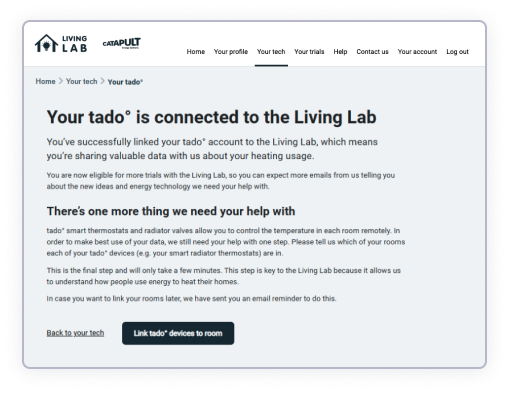
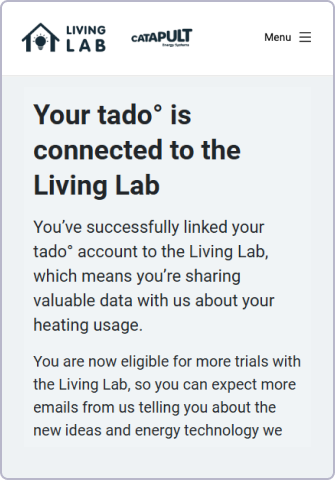
Step 3: tado° sends us your heating data
Once connected, tado° automatically shares information about:
- Temperatures in your home
- How you control your heating
- When your heating turns on and off
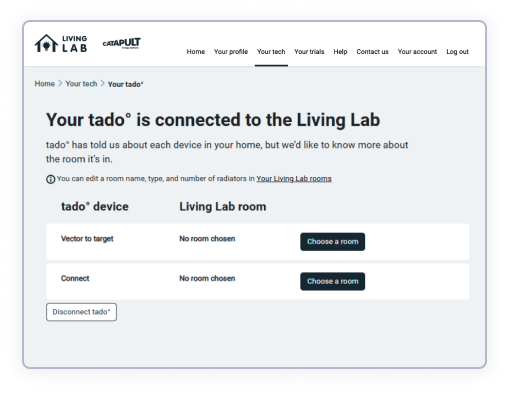
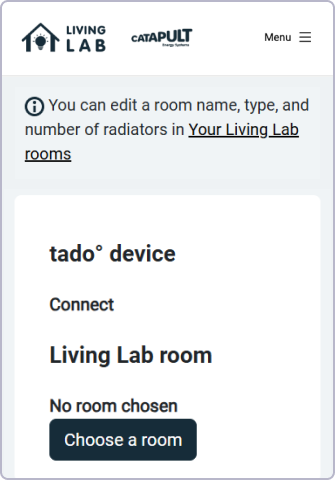
Step 4: Map your devices to rooms in the Living Lab
Once we've started receiving data about your home from tado° (this normally takes about a day), we'll send you a follow-up email asking you to map your rooms.
This helps us know which rooms your different tado° equipment is sat in, which helps us make better sense of the information.
Need some more help?
If you are experiencing problems, email us or give us a call on 0808 168 1044
-69.jpg?2026-03-18T21:48:09.322Z)
%20Removed-12%20(1).jpg?2026-03-18T21:50:17.082Z)