

How do I connect my smart meter without an in-home display? (IHD)
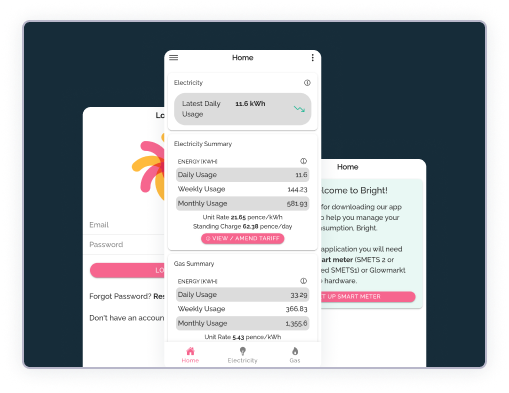
If you don’t have an IHD or can’t find your smart meter’s device ID, you might be able to connect your smart meter with a valid supply number and the Hildebrand Bright app.
Why we ask you to do this
Connecting your smart meter helps us understand how households use energy day to day. This information helps us:
- Test and improve new energy services in real homes.
- Learn how to make energy fairer, cleaner, and more affordable.
- Provide participants with better insights into their usage.
Step-by-step
Connecting your smart meter without an IHD
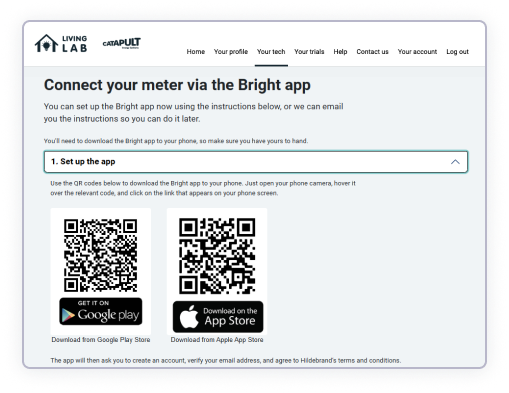
Step 1: Set up the Bright app
Download the Bright app to your phone using the QR codes. Open your phone camera, hover over the relevant code, and click the link that appears on your screen.
When opening the app, you’ll be asked to:
- Create an account
- Verify your email address
- Agree to Hildebrand’s terms and conditions
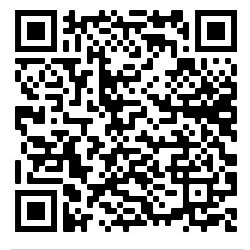
Download from Apple App Store
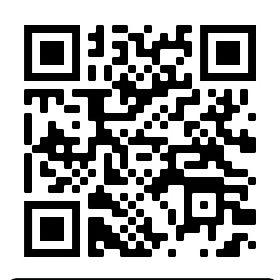

Download from Google Play Store

Step 2: Upload your electricity bill
The Bright app will then ask you to upload a recent electricity bill (no more than 3 months old). This allows Hildebrand to confirm your name and address match your meter point number.
Step 3: Look out for an email
It may take Hildebrand a few days to check your bill and verify your details.
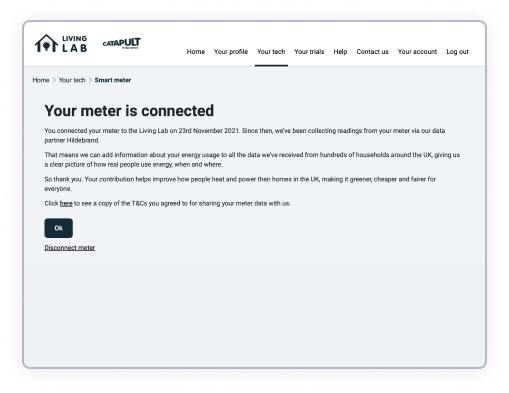
If successful, you’ll receive an email from Glowmarkt (the name Hildebrand operates under), asking you to confirm your agreement to connect your smart meter to the Living Lab. Once you agree, your meter will be connected.
Need some more help?
If you are experiencing problems, email us or give us a call on 0808 168 1044
-47%20(1).jpg?2026-03-18T21:52:48.052Z)
%20Removed-12%20(1).jpg?2026-03-18T21:50:17.082Z)